Help topics
Paying for My Skyro Loans
Product Loan
- What is a Skyro Product Loan?
- How do I apply for a Skyro Product Loan?
- Where can I use my Skyro Product Loan?
- Product Loan payments and fees
- Product Loan application status
- What is Skyro Flexi?
- What is the Skyro Zero Plan?
- Add-ons and Protection
- Got questions about Skyro Product Loan, boss?
- What items can I buy with a Skyro Product Loan?
SkyroCredit
- What is SkyroCredit?
- How to use SkyroCredit
- Refer and Earn
- Cash out
- QR Ph payments with SkyroCredit
- Credit limit
- Payments
- Billing cycles and statements
- Interest rates and fees
- Cashback in SkyroCredit
- Using SkyroPondo for SkyroCredit
- SkyroCredit application status
- Payment issues with SkyroCredit
- Got questions about SkyroCredit, boss?
How do I apply for a Skyro Product Loan?
Who can apply
To apply for a Skyro Product Loan, you must:
- be a Filipino citizen aged 18 to 70
- have one valid government-issued ID
- have a smartphone and a Philippine mobile number
What documents are required
To process your Skyro loan application, you only need one valid ID from this list:
- Philippine passport
- Driver’s license
- UMID (Unified Multi-Purpose ID)
- SSS ID (Social Security System ID)
- Philippine ID
- PhilSys ID
- Digital National ID
- ePhilID
- PRC ID (Professional Regulation Commission ID)
- Postal ID
- GSIS ID (Government Service Insurance System ID)
Apply via the Skyro app
To apply for a Skyro Product Loan through the Skyro app, follow these simple steps:
1. Download and open the Skyro app.
2. Tap ‘Explore products’ and submit a request for a Product Loan.
3. Fill out the application and upload 1 valid ID.
4. Get pre-approved, visit a partner store near you, and show the QR code to a Skyro agent.
*Bring the same valid ID used in your application.
5. Wait for our call and get approved via SMS, email, or the Skyro app.
6. Once approved, sign the agreement with a one-time code.
7. Pay the down payment at the cashier, let the agent take a photo of your receipt as proof of payment, and bring home your item!
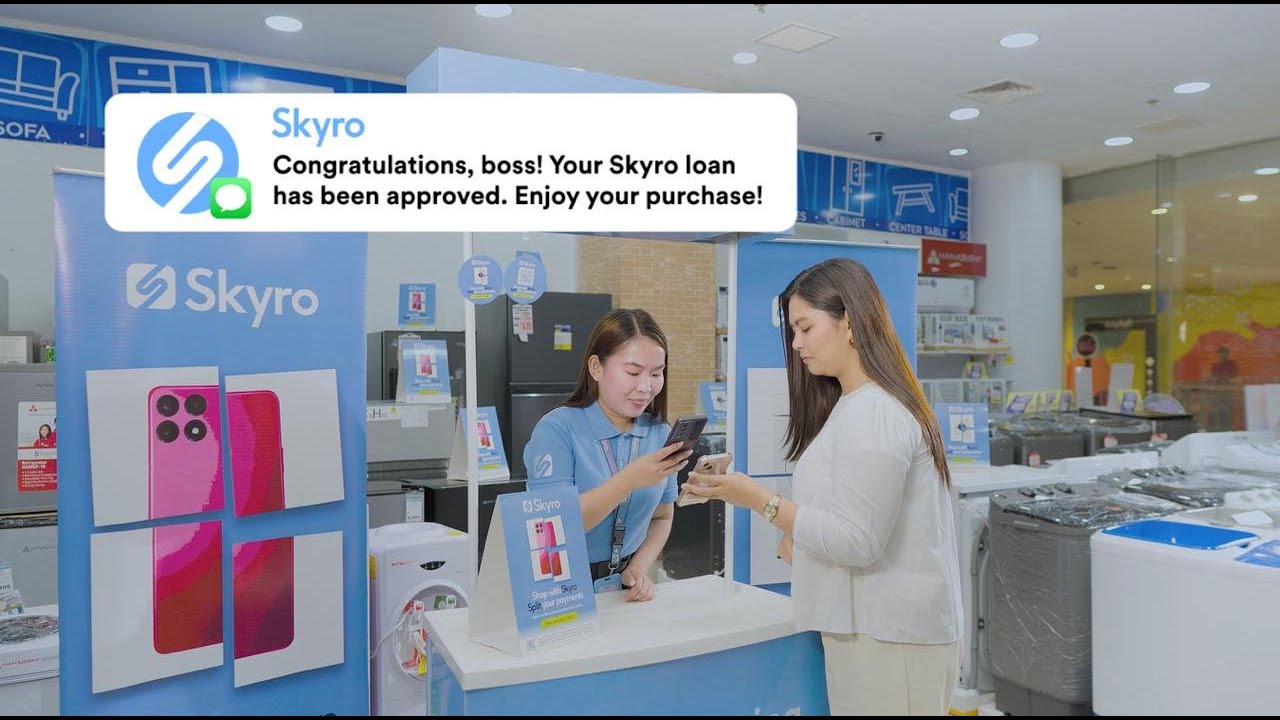
Apply in-store
To apply for a Skyro Product Loan in-store, follow these simple steps:
1. Visit any of our 10,000+ partner stores nationwide and choose your dream item.
2. Talk to our friendly Skyro agent who will assist you with the easy application.
*Subject to in-store approval. Terms may change.
3. Take your new item home with no big upfront costs and enjoy!
Apply online
You can apply for a Skyro Product Loan online in three ways: via partner websites, social media pages, or payment partners.
Partner websites
1. Visit the merchant’s official website.
2. Pick an item and choose Skyro at checkout.
3. Choose a loan amount and installment plan.
4. Fill out the application, download the Skyro app, and upload 1 valid ID. See the full list of valid IDs here.
5. Wait for our call and get approved via SMS, email, or the Skyro app.
6. Confirm your final loan amount and installment plan.
7. Sign the agreement with a one-time code.
8. Pay the down payment only via the Skyro app, and enjoy your item!
Social media pages
1. Visit the merchant’s official social media or Facebook page.
2. Pick a product and message the page that you’ll pay via Skyro.
3. Wait for the merchant to send you a unique Skyro link.
4. Choose a loan amount and installment plan.
5. Fill out the online application, download the Skyro app, and upload 1 valid ID. See the full list of valid IDs here.
6. Wait for our call and approval via SMS, email, or the Skyro app.
7. Pay the down payment only via the Skyro app, and enjoy your item!
Payment partners
1. Visit the store’s official website.
2. Choose only one from iPay88, PayLoro, or Paynamics at checkout.
3. Pick a loan amount and installment plan.
4. Fill out the online application, download the Skyro app, and upload 1 valid ID. See the full list of valid IDs here.
5. Wait for our call and approval via SMS, email, or the Skyro app.
6. Confirm your final loan amount and installment plan.
7. Sign the agreement with a one-time code.
8. Pay the down payment only via the Skyro app, and enjoy your item!