0% interest


Cardless credit. Loaded cashback
Apply nowApply nowApply nowUp to 45 days
Pay on time to grow your limit

Average approval time

Earn cashback on every purchase with SkyroCredit

Scan and pay with QR Ph at over 1 million merchants nationwide.
Send money from your SkyroCredit to an e-wallet, bank, your Skyro account, or another Skyro user.
Shop online or tap to pay with Google Pay using the same SkyroCredit limit.

Your limit rises as you repay — always ready when you need it
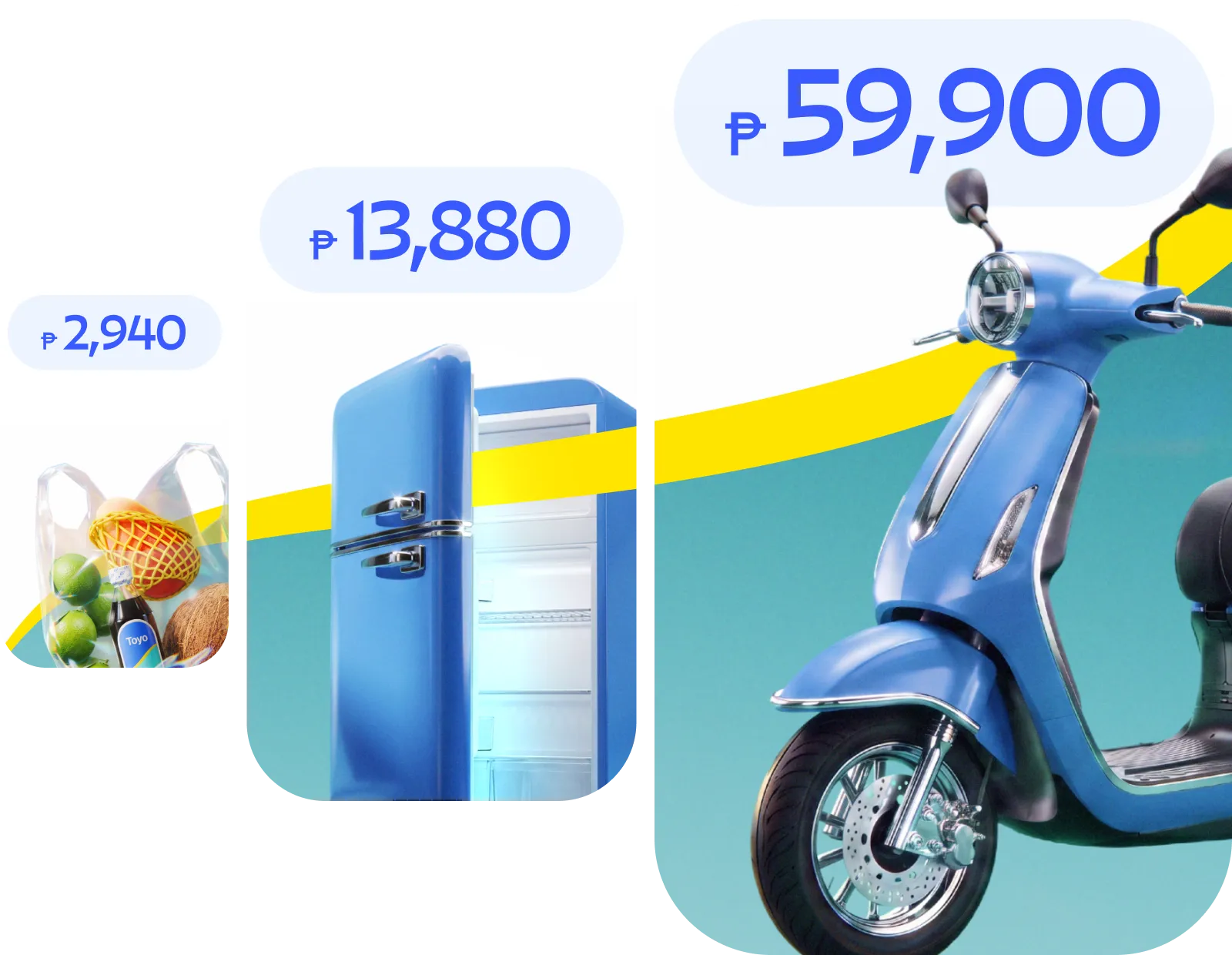

Groceries
10% back
Fuel
8% back

Food and Dining
10% back

Pharmacy
12% back

Convenience Stores
20% back

For All
0.5% back
Choose up to 4 categories each month to receive cashback
Apply now and get approved in seconds
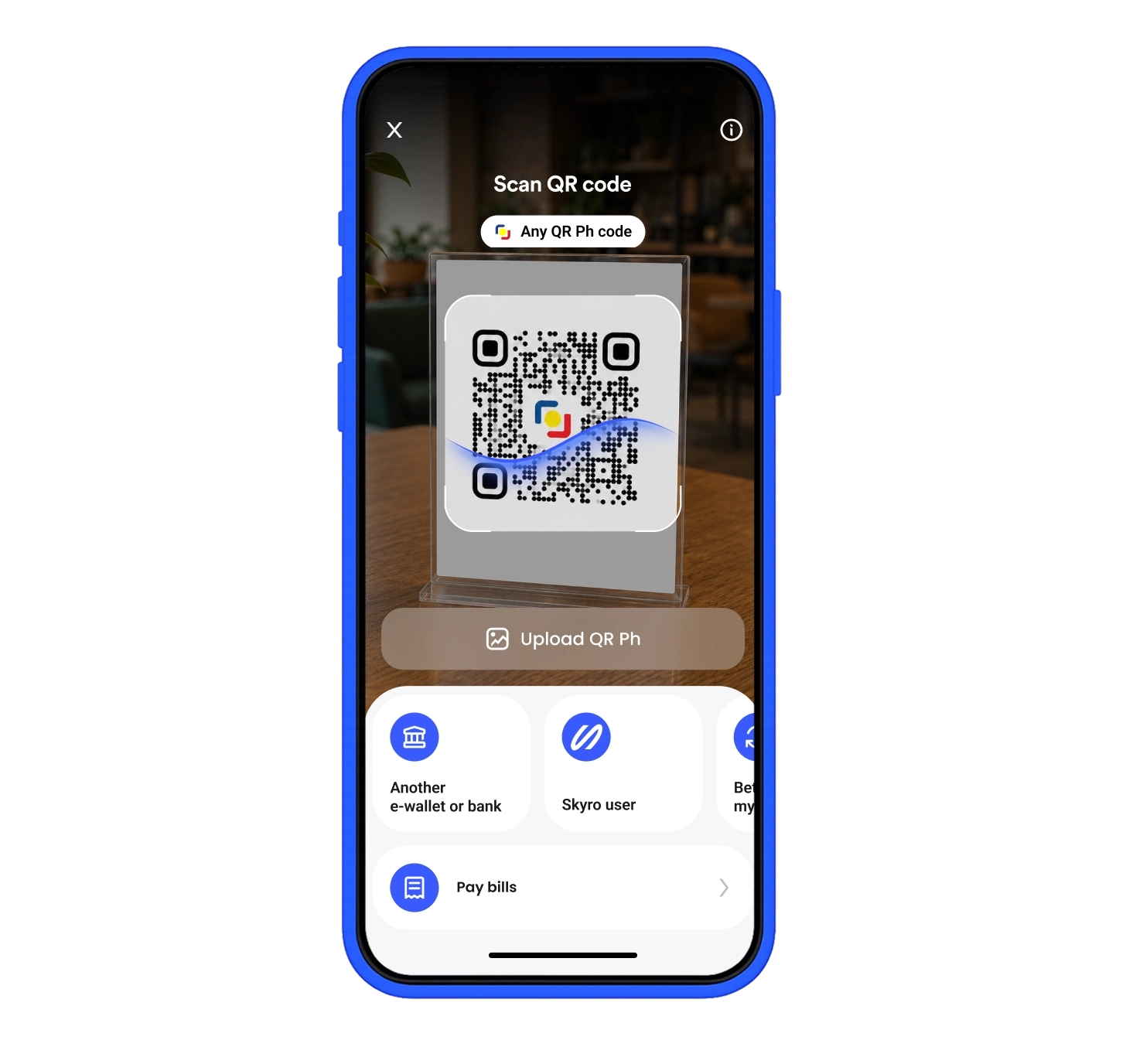
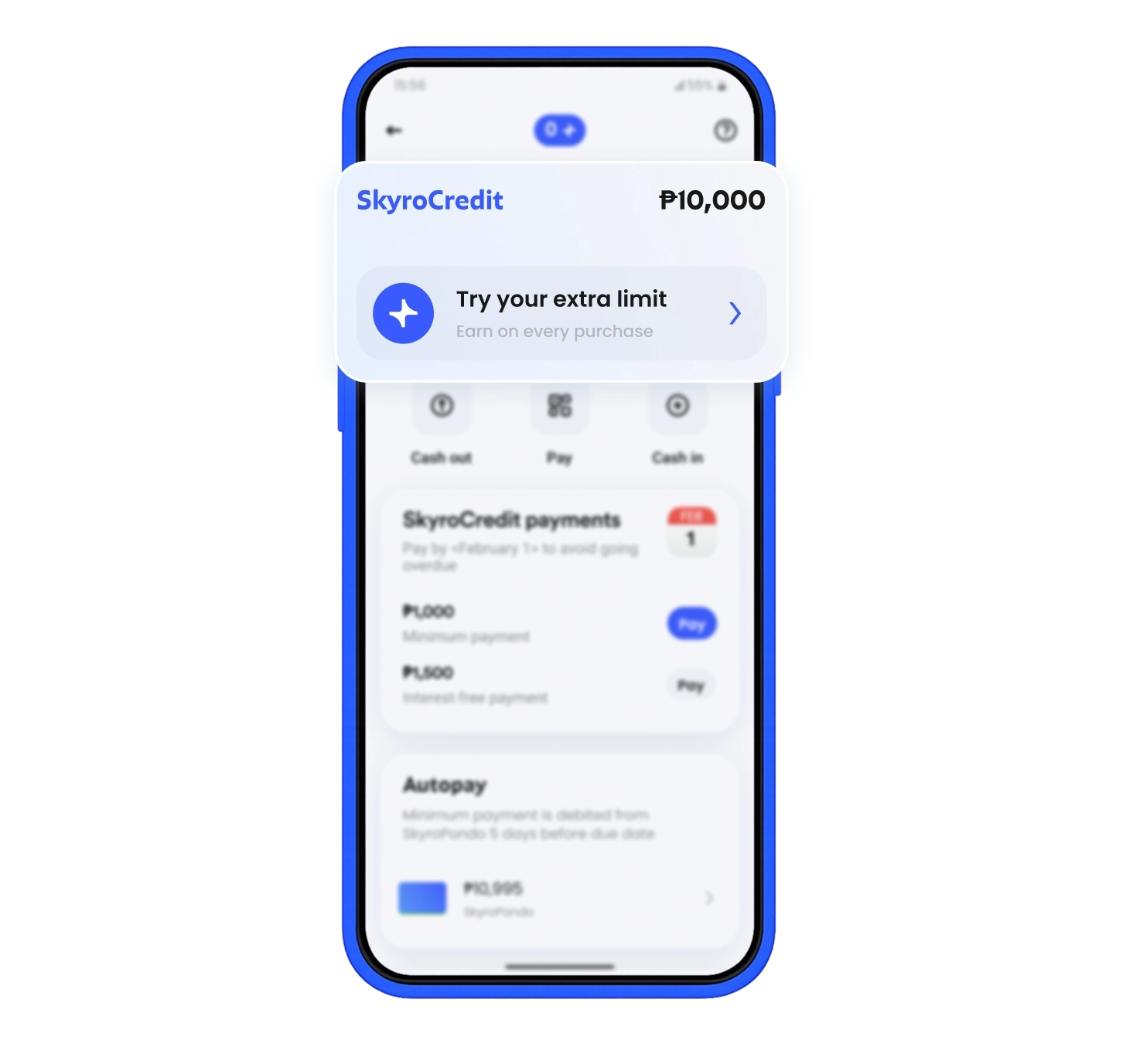
Shop for what you need
Use SkyroCredit in-store or online with QR Ph
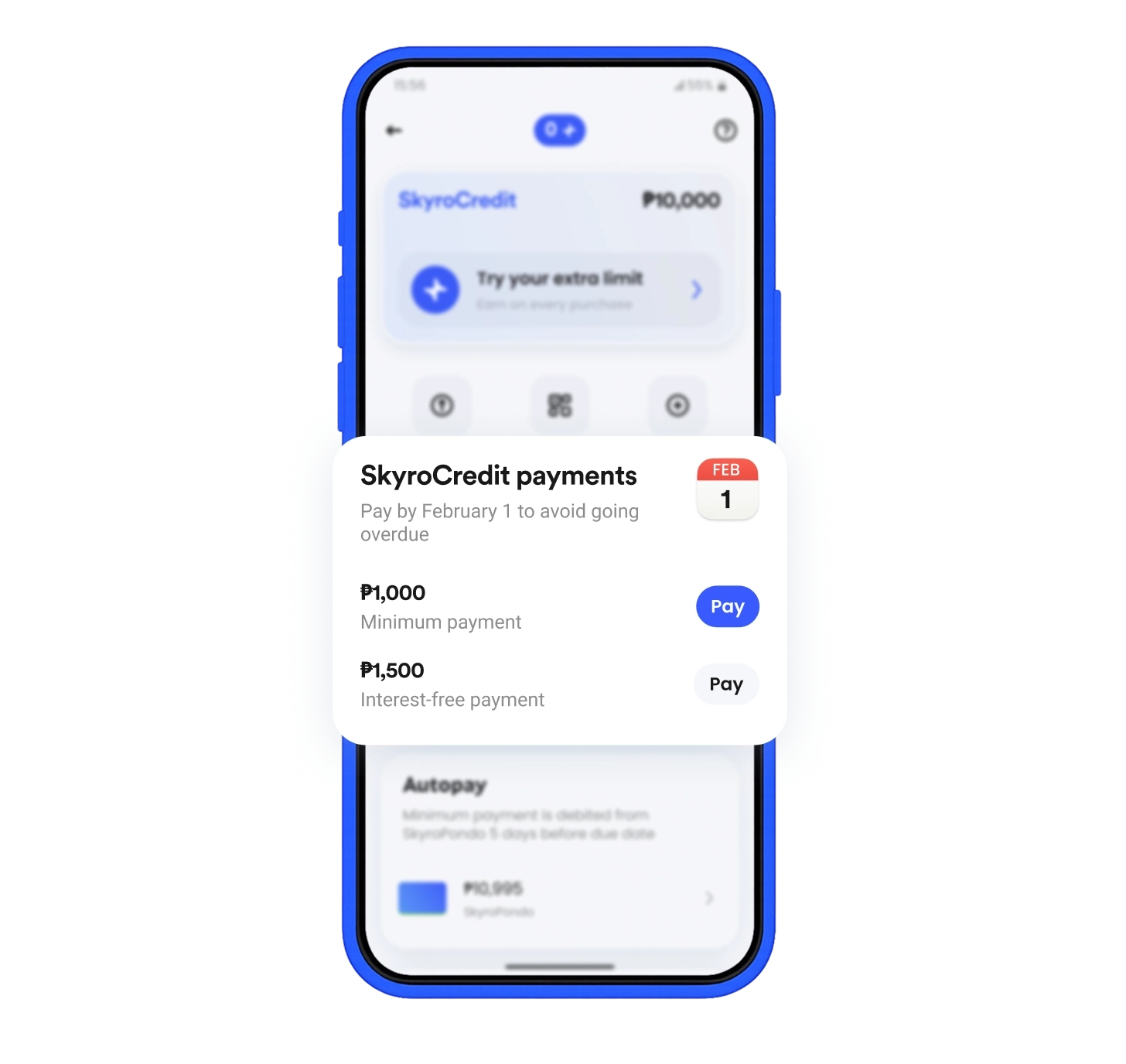
Pay by your due date
Choose your payment option: interest-free or minimum payment
Use the same limit again anytime
As you repay, more of your limit becomes available

Sudden lunch out? Use SkyroCredit

Gas now, pay later. Possible with SkyroCredit

Gas now, pay later. Possible with SkyroCredit

Gas now, pay later. Possible with SkyroCredit
Mobile app users
Loans funded
Reviews on Google Play
Trustpilot rating

Safe & secure
We use industry-standard security to keep your personal information safe

No hidden fees
You'll always know what you pay and why

Real support
Get help from real people, 7 days a week
Trusted & regulated
Licensed by the Securities and Exchange Commission, compliant with the National Privacy Commission, and proud member of Fintech Alliance PH
SkyroCredit is not a credit card, it's better. You get a credit limit you can use to pay anywhere QR Ph is accepted, in-store or online. Enjoy 0% interest for up to 45 days, and get 1% cashback on every transaction worth ₱100 and up, boss.
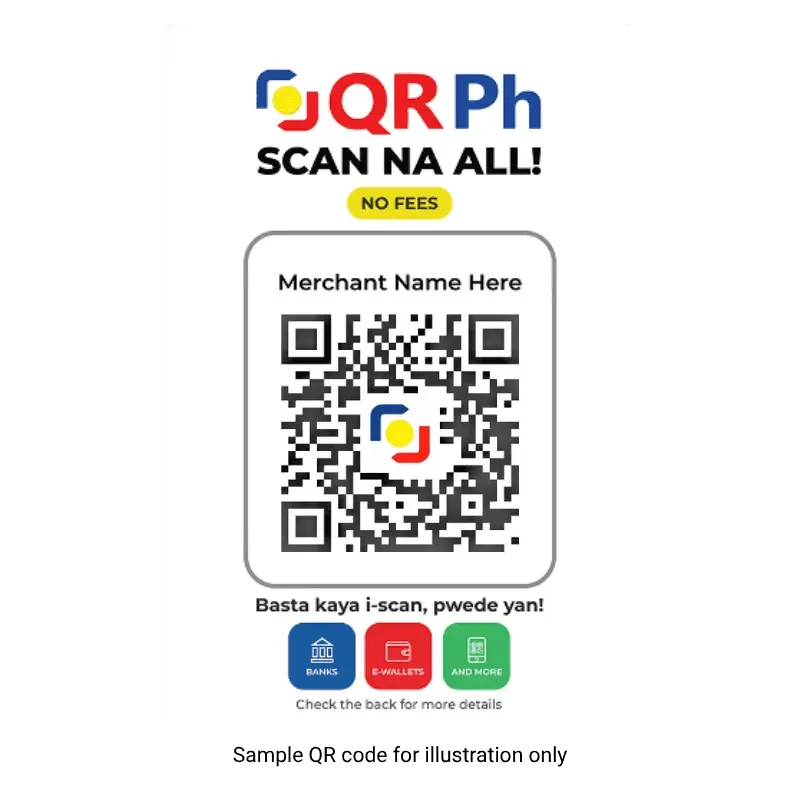
Use SkyroCredit to pay for any QR Ph purchase, boss! See the QR Ph logo/standee at the cashier? That’s your sign to scan and pay with SkyroCredit!
Follow these steps:
For online purchases:
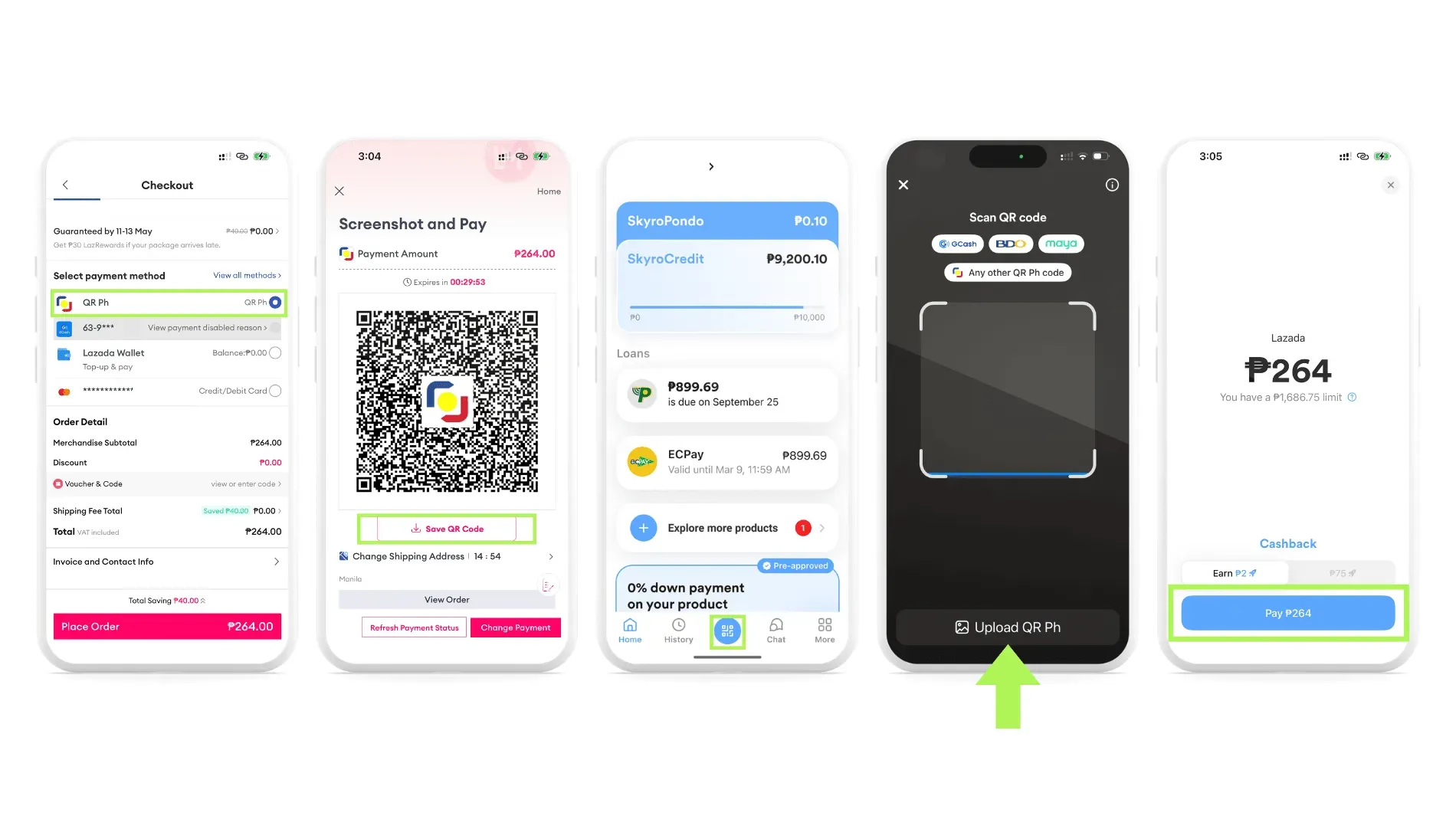
Sample payment flow for Lazada
Didn’t find what you need? Visit our Help Center
No need to apply again, boss. Once your SkyroCredit is activated, your credit limit is ready 24/7. Just pay with SkyroCredit anywhere QR Ph is accepted, in-store or online, as long as you have enough available limit.
Think of your credit limit like a water bottle. Every purchase uses some of the water. When you make a payment, you refill what you've used, so you can keep using SkyroCredit without applying again, as long as you still have available limit left.
You can apply for SkyroCredit in 2 ways, boss!
via Website
via Partner stores
👉 Learn more here: https://www.skyro.ph/newsroom/promo/apply-for-1000-credit
To increase your limit, be sure to pay on time and use SkyroCredit regularly to unlock up to ₱100,000 limit! The better your payment history, the higher limit Skyro can offer you.
Got an offer from Skyro, boss? Just sign the loan agreement using the OTP sent to your device to activate your SkyroCredit!
To get 0% interest every month, just pay the "interest-free payment" amount shown in your Skyro app. This is how much you've spent by the end of each month, up to your billing date.
No need to compute anything, boss! When your statement comes, just check your exact interest-free amount in the app.
SkyroCredit charges 7% monthly interest if you only make minimum payments, boss.
You can enjoy 0% interest by paying your full interest-free payment amount based on your monthly bill on or before your due date. This is how much you've spent by the end of each month, up to your billing date.
The minimum amount is usually 10% of your credit limit or your balance on your billing date, whichever is lower:
Example 1
👉 Minimum payment: ₱1,000
Example 2
👉 Minimum payment: ₱200
Some reminders, boss:
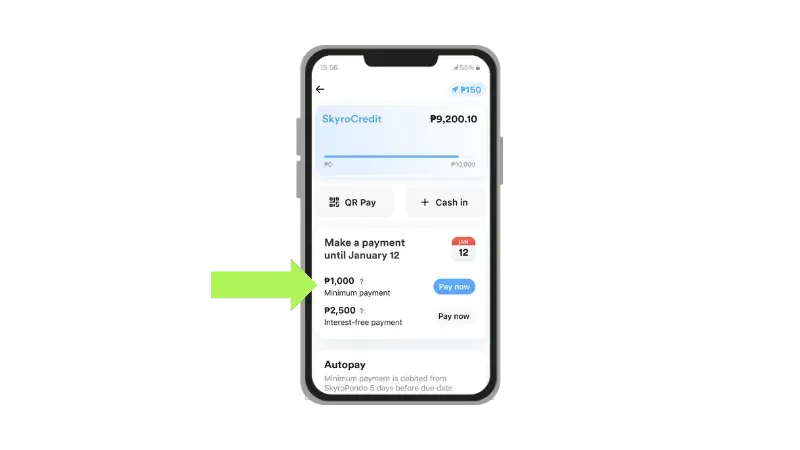
Yes, boss. SkyroCredit is more flexible than installments because you can pay your balance monthly or in a way that works for you, as long as you pay at least the minimum amount due each billing cycle. It’s usually 10% of your credit limit or balance, whichever is lower. The more you repay, the less interest will be charged on your remaining balance.
Paying only the minimum is okay, but 7% interest will apply. If you miss your minimum payment, late fees and other charges may also apply.
At the end of each billing cycle, you will get your bill in the Skyro app. Choose between two payment options: interest-free payment or minimum payment.
Follow these steps to pay for your SkyroCredit bill:
👉 Learn more about interest-free payment and minimum payment here
No hidden, annual, or application fees, boss! SkyroCredit is free to use forever.
Yes, boss! Paying on time and using your SkyroCredit regularly can help you qualify for a higher credit limit of up to ₱100,000! We regularly review accounts for possible credit limit increases and will automatically raise your limit when you qualify. You'll be notified right away in the Skyro app.
💡 Didn’t find what you need? Visit our Help Center