Company•September 15, 2026
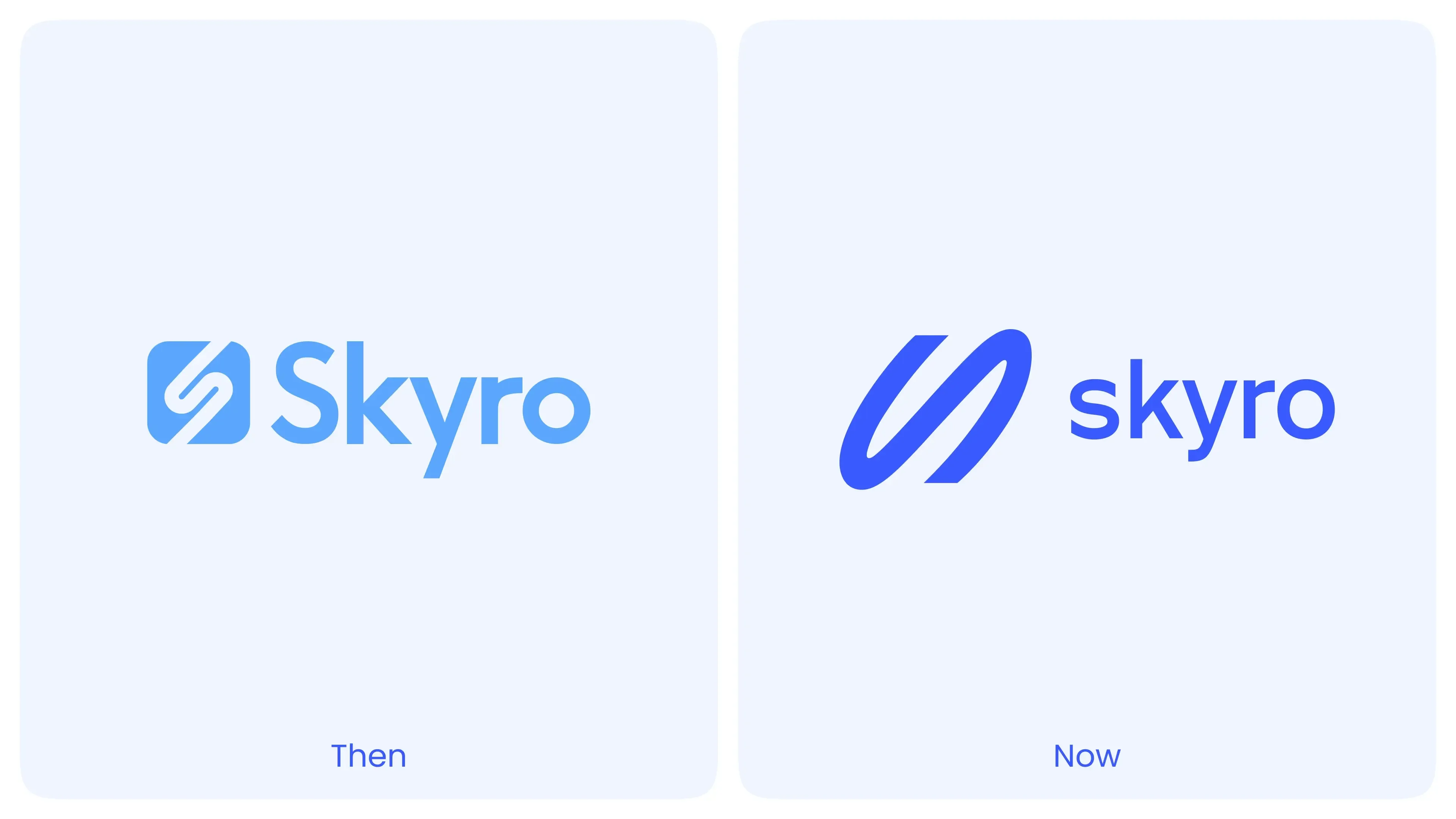
Skyro Refreshes Its Brand Identity as It Expands Beyond Consumer Financing
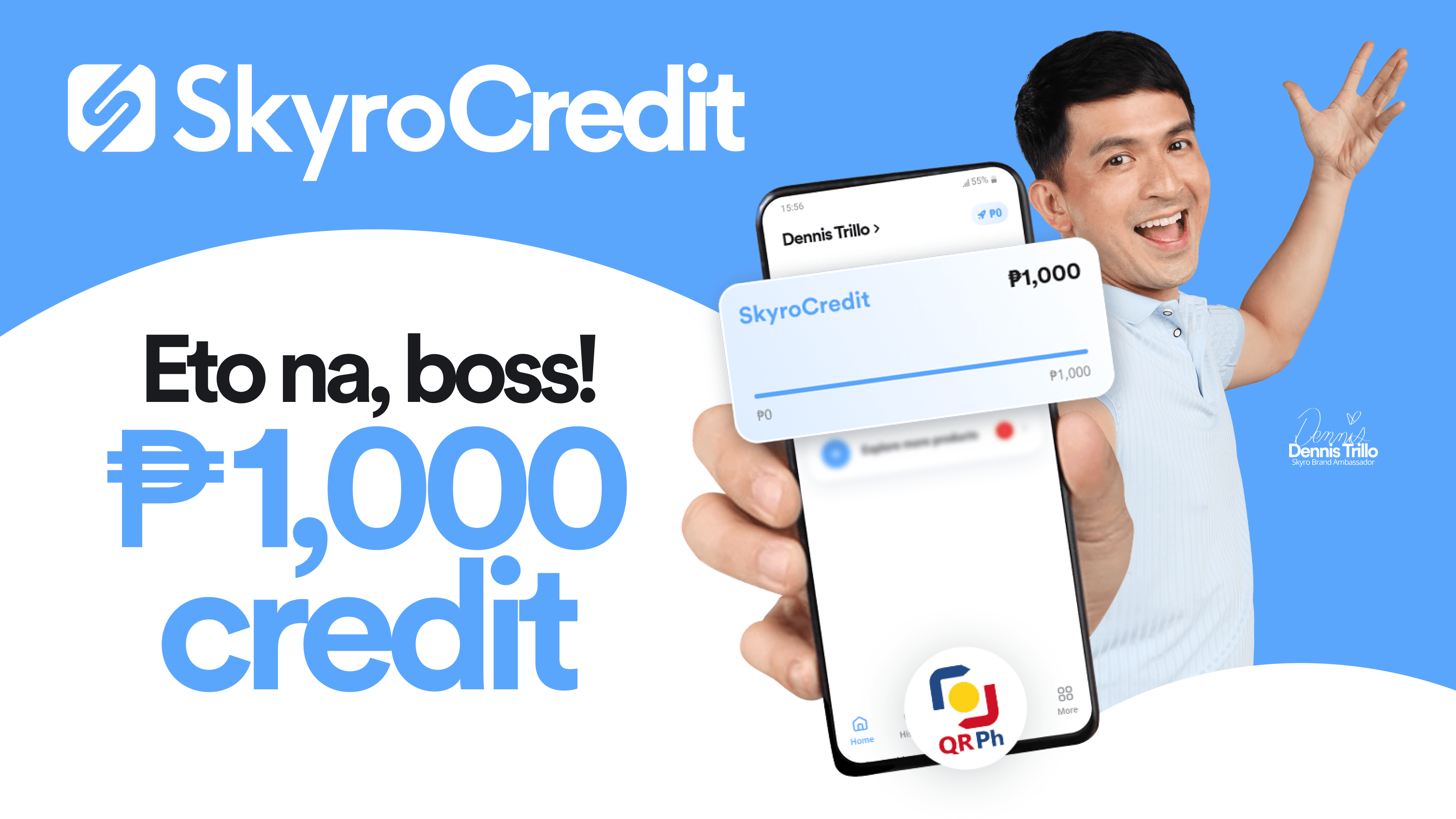
Get ₱1,000 credit when you apply for SkyroCredit at partner stores like Home Along, Metro Retail, Prince Retail, LCC, Alson's Trading, and Willy & Sons. Find out how you can use SkyroCredit to pay for your QR Ph purchases, boss!
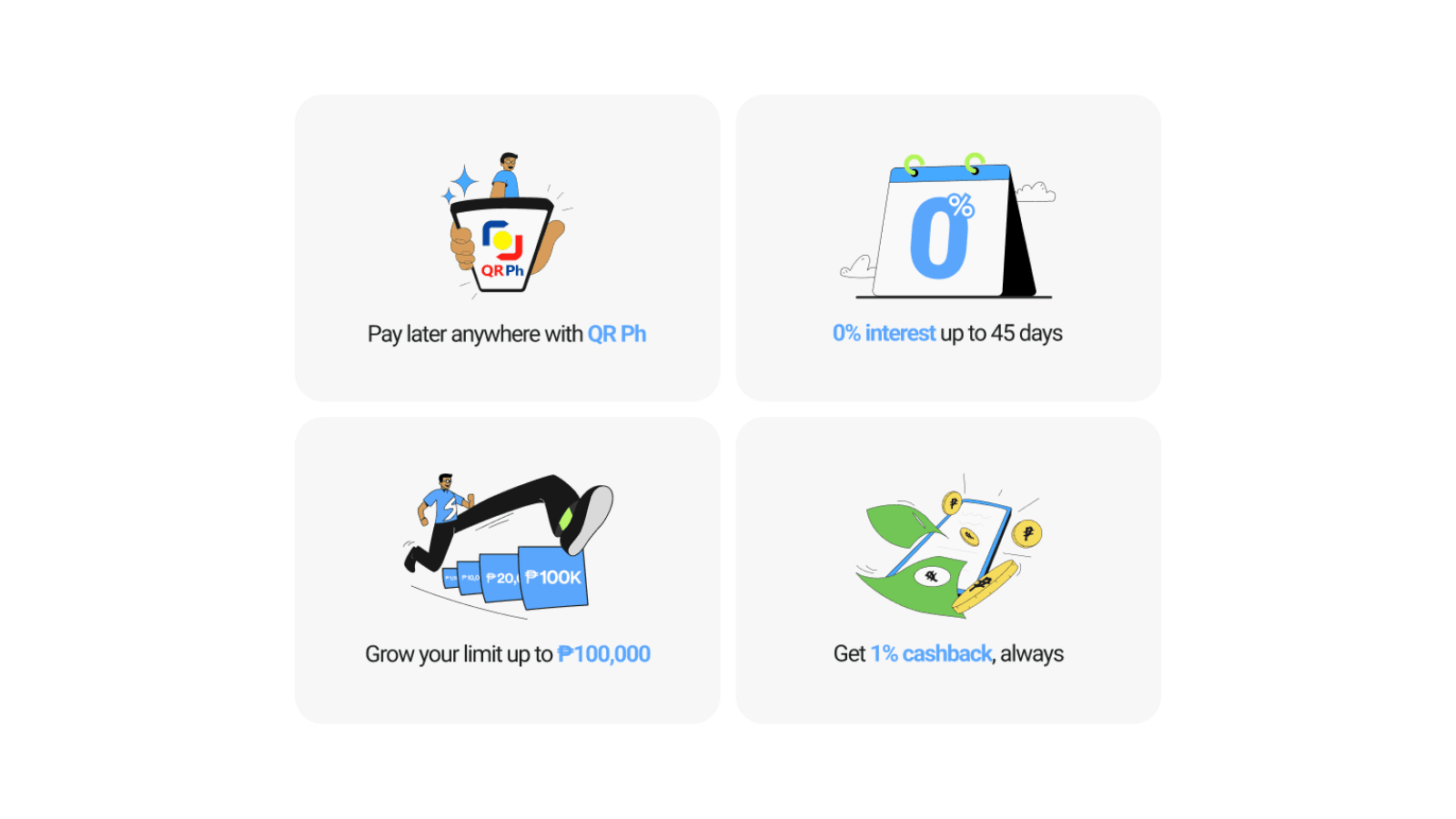
SkyroCredit gives you ₱1,000 credit to pay later anywhere QR Ph is accepted. After applying and getting approved, your ₱1,000 credit becomes available in your Skyro app.
Use it, pay it back, and use the same limit again anytime. No annual fees forever!
Just scan a QR Ph code, pay, and get 1% back on every purchase worth ₱100 or more. Pay only for what you use, and get 0% interest for up to 45 days.
New customers who apply through a Skyro agent at any Home Along, Metro Retail, Prince Retail, LCC, Alson's Trading, or Willy & Sons store
To get your ₱1,000 credit:
Go to the nearest store with QR Ph and pay for your first purchase, boss! Pay for your items at Jollibee, McDonald’s, Watsons, Mercury Drug, SM, and more.
To use your ₱1,000 credit:
Keep your account safe. Remember, Skyro agents will never ask for your:
Do not give money directly to agents. Only pay through official Skyro channels.
If someone asks for fees or your personal info, report it right away in the Skyro app, boss.
If you need help with SkyroCredit:
1. Where can I use SkyroCredit?
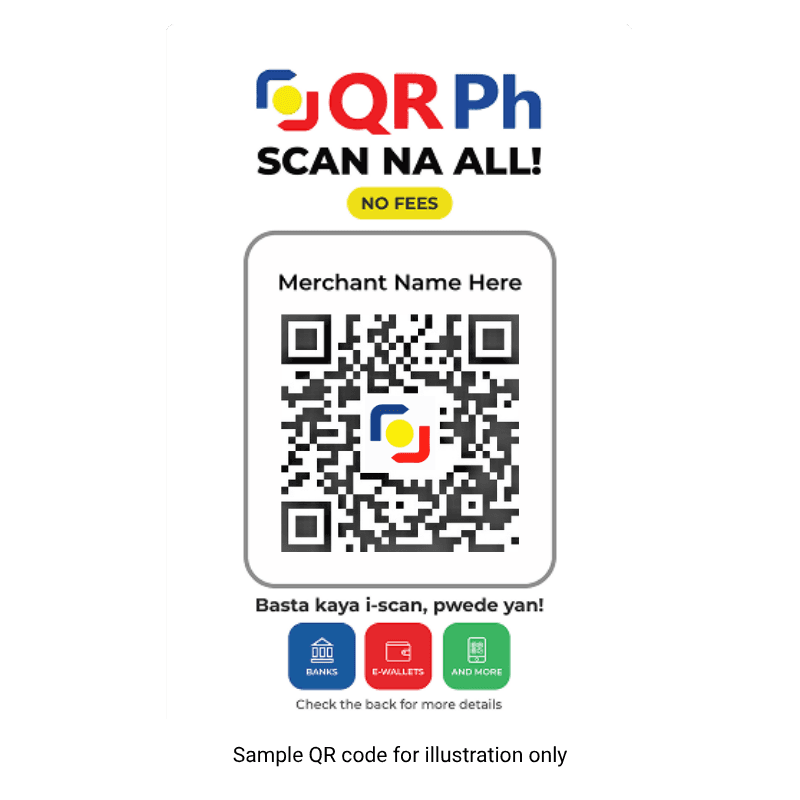
Pay with SkyroCredit anywhere QR Ph is accepted, boss! See the QR Ph standee at the cashier? That’s your sign to scan and pay with SkyroCredit! Customers love using it at Jollibee, McDonald's, Watsons, Mercury Drug, SM, DALI Supermarket, and more.
2. What are my payment options?
You have two payment options for SkyroCredit, boss:
3. Can I increase my credit limit?
Yes, boss! Keep paying with SkyroCredit for your QR Ph purchases and make sure to pay your monthly bill on time to grow your credit limit up to ₱100,000!
4. What is cashback?
Cashback is a small amount that you get back from what you spend, boss. Each purchase of ₱100 or more earns you 1% cashback. For example, spend ₱1,000, get ₱10 back, like a discount!
5. How do I earn cashback from my SkyroCredit?
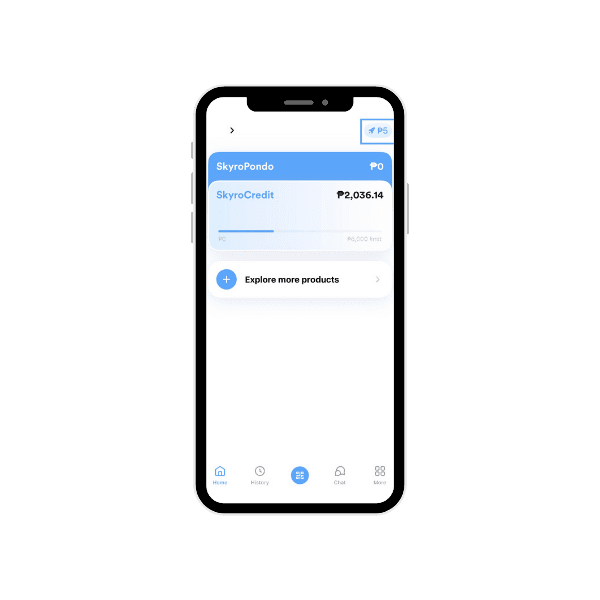
For every purchase worth ₱100 or more, you earn 1% cashback. It’s automatically added to your cashback balance in the Skyro app, boss! Just look for the blue rocket icon in the top right corner.
Did this help?
Skyro Refreshes Its Brand Identity as It Expands Beyond Consumer Financing
Merry, Not Magastos: Your Guide to a More Sulit -Ber Season
Enjoy ₱1,000 OFF Your 9.9 Online Checkouts