Help topics
Paying for My Skyro Loans
Product Loan
- What is a Skyro Product Loan?
- How do I apply for a Skyro Product Loan?
- Where can I use my Skyro Product Loan?
- Product Loan payments and fees
- Product Loan application status
- What is Skyro Flexi?
- What is the Skyro Zero Plan?
- Add-ons and Protection
- Got questions about Skyro Product Loan, boss?
- What items can I buy with a Skyro Product Loan?
SkyroCredit
- What is SkyroCredit?
- How to use SkyroCredit
- Refer and Earn
- Cash out
- QR Ph payments with SkyroCredit
- Credit limit
- Payments
- Billing cycles and statements
- Interest rates and fees
- Cashback in SkyroCredit
- Using SkyroPondo for SkyroCredit
- SkyroCredit application status
- Payment issues with SkyroCredit
- Got questions about SkyroCredit, boss?
Where is QR Ph accepted?
What can I buy via QR Ph?
You can buy almost anything via QR Ph in-store or at online checkout, boss, whether it’s food, groceries, medicine, snacks, café treats, or items from your favorite sari-sari store. As long as QR Ph payment is accepted, you’re good to go!
Where can I use QR Ph?
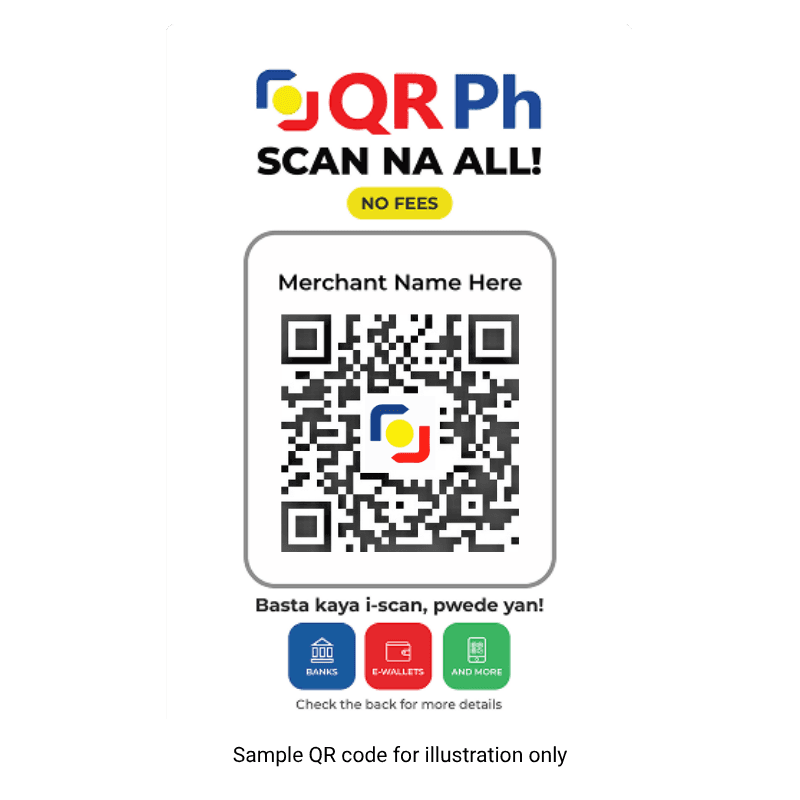
Whether it’s a sari-sari store, a drugstore, grocery, shop, or restaurant, as long as there is a QR Ph code available, you can use SkyroCredit to make a purchase. See a QR Ph standee at the cashier? That’s your sign to scan and pay with SkyroCredit, boss!
Can I pay with QR Ph online?
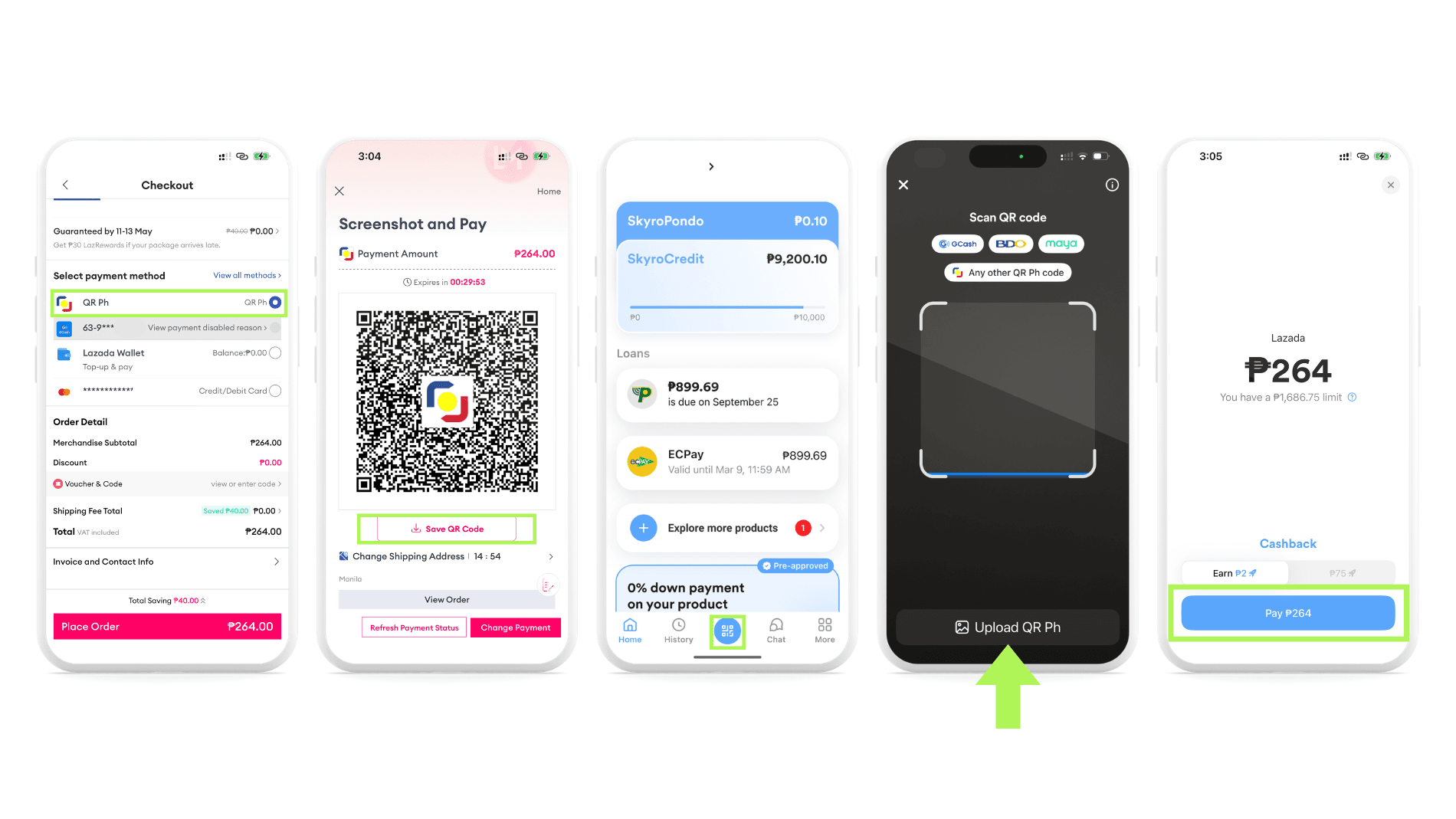
Yes, you can use SkyroCredit to pay for online purchases anywhere QR Ph is accepted.
Follow these steps, boss:
- At the checkout page, tap the QR Ph payment option
- Save the QR code or take a screenshot
- Open the Skyro app and tap the QR icon on the home screen
- Upload the saved QR Ph image
- Confirm payment!
Can I use QR Ph for loan payments?
Yes, boss! You can use QR Ph to pay for your other Skyro loans! The transaction fee costs only ₱10.
👉 Learn how to pay with QR Ph here
Can I use QR Ph for cash-out?
No, boss. QR Ph in the Skyro app is only for paying merchants. It cannot be used to cash-out money.
Can I use QR Ph for transfers?
No, boss. QR Ph in the Skyro app is used only for merchant payments, not for sending money to another person.
How long does a QR Ph payment take?
QR Ph payments usually arrive quickly, boss! But if not, it might be because of:
- Weak signal
- Full inbox
- Cashier checking the SMS on the wrong phone or number