Help topics
Paying for My Skyro Loans
Product Loan
- What is a Skyro Product Loan?
- How do I apply for a Skyro Product Loan?
- Where can I use my Skyro Product Loan?
- Product Loan payments and fees
- Product Loan application status
- What is Skyro Flexi?
- What is the Skyro Zero Plan?
- Add-ons and Protection
- Got questions about Skyro Product Loan, boss?
- What items can I buy with a Skyro Product Loan?
SkyroCredit
- What is SkyroCredit?
- How to use SkyroCredit
- Refer and Earn
- Cash out
- QR Ph payments with SkyroCredit
- Credit limit
- Payments
- Billing cycles and statements
- Interest rates and fees
- Cashback in SkyroCredit
- Using SkyroPondo for SkyroCredit
- SkyroCredit application status
- Payment issues with SkyroCredit
- Got questions about SkyroCredit, boss?
How to use SkyroCredit
Using SkyroCredit
To use SkyroCredit:
1. Tap the QR icon at the bottom center of your Skyro app
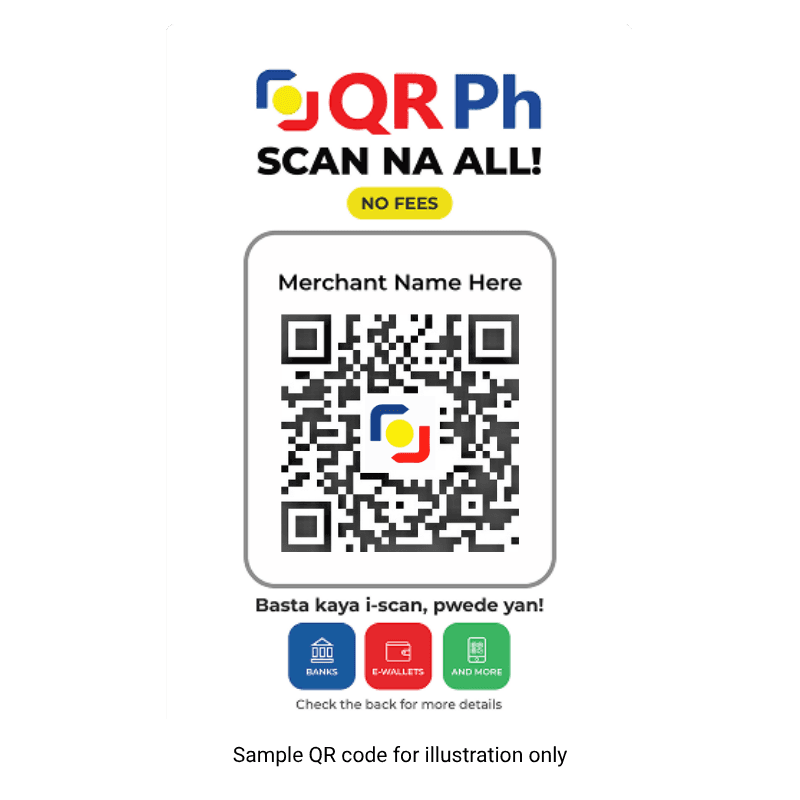
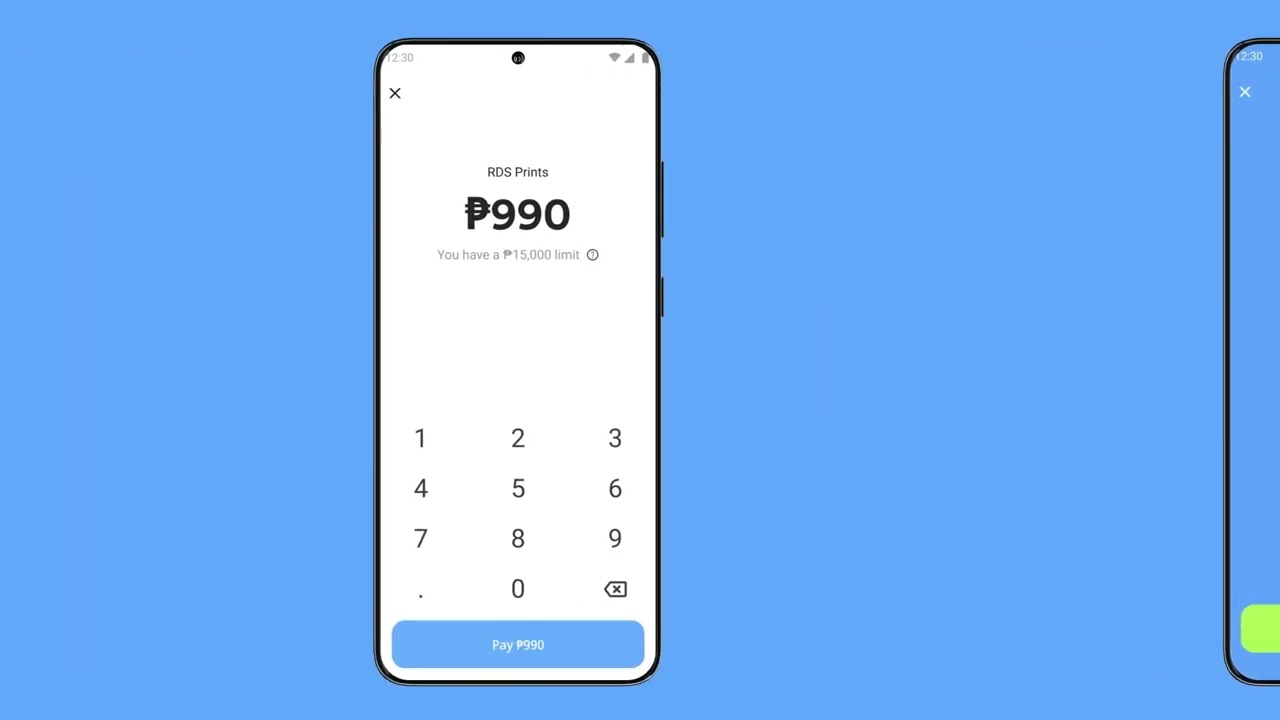
2. Scan the store’s QR Ph code and check the amount shown
3. Confirm the payment!
Paying with SkyroCredit
Pay with SkyroCredit anywhere QR Ph is accepted, boss! See the QR Ph standee at the cashier? That’s your sign to scan and pay with SkyroCredit! Customers love using it at Jollibee, McDonald's, Watsons, Mercury Drug, SM, DALI Supermarket, and more.
You can use a little or a lot, depending on what you need. Just make sure you have enough available limit.
Every time you use SkyroCredit, your available limit goes down.
For example: ₱6,000 limit → spend ₱1,000 → ₱5,000 still available
When you make repayments, your available limit increases again, so you can keep using SkyroCredit anytime without needing to reapply.