Help topics
Paying for My Skyro Loans
Product Loan
- What is a Skyro Product Loan?
- How do I apply for a Skyro Product Loan?
- Where can I use my Skyro Product Loan?
- Product Loan payments and fees
- Product Loan application status
- What is Skyro Flexi?
- What is the Skyro Zero Plan?
- Add-ons and Protection
- Got questions about Skyro Product Loan, boss?
- What items can I buy with a Skyro Product Loan?
SkyroCredit
- What is SkyroCredit?
- How to use SkyroCredit
- Refer and Earn
- Cash out
- QR Ph payments with SkyroCredit
- Credit limit
- Payments
- Billing cycles and statements
- Interest rates and fees
- Cashback in SkyroCredit
- Using SkyroPondo for SkyroCredit
- SkyroCredit application status
- Payment issues with SkyroCredit
- Got questions about SkyroCredit, boss?
What is QR Ph?
QR Ph vs InstaPay QR: What's the difference?
QR Ph is the national QR code standard from the Bangko Sentral ng Pilipinas (BSP). It lets you pay merchants or receive money using one QR code.
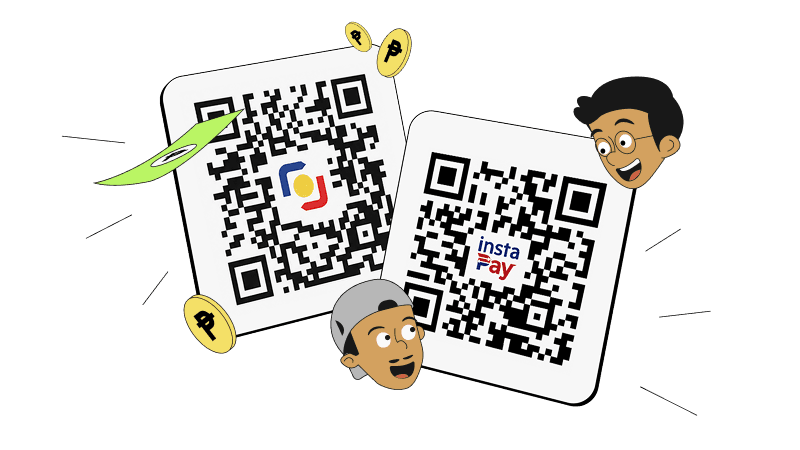
It supports:
- P2M – Person to merchant payments
- P2P – Person to person transfers
InstaPay QR, on the other hand, is mainly used for P2P transfers between individuals.
👉 Learn more about QR codes in this article
Static QR Ph (printed) vs dynamic QR Ph (on-screen) codes
Learn the difference between the two types of QR codes below, boss:
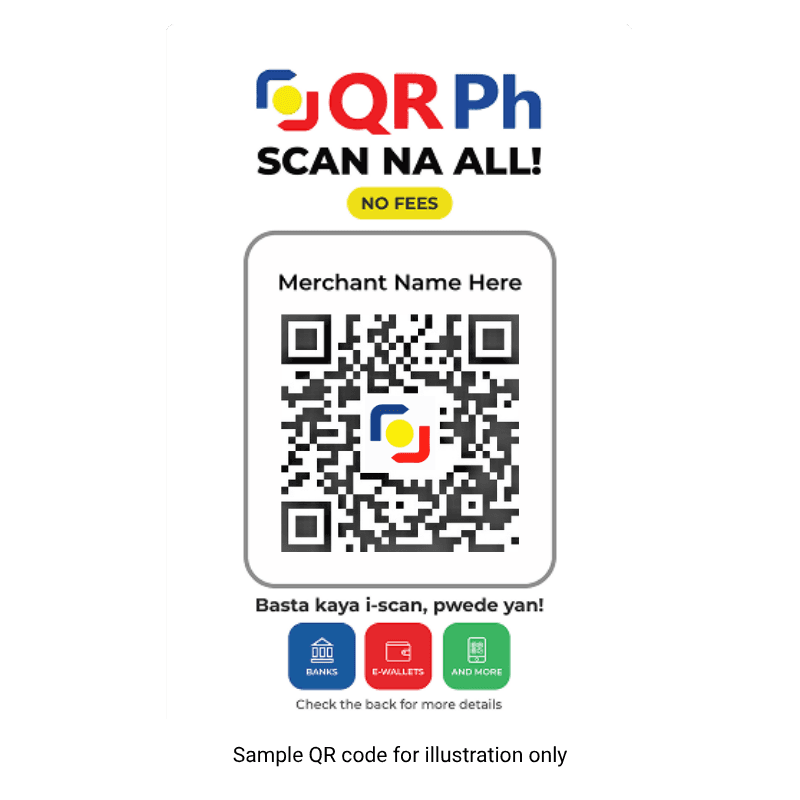
Static QR Ph (printed)
The QR code is printed and stays the same every time you scan it. You usually see it on a standee at the cashier. After scanning the static QR Ph code, you need to manually enter the amount to pay.
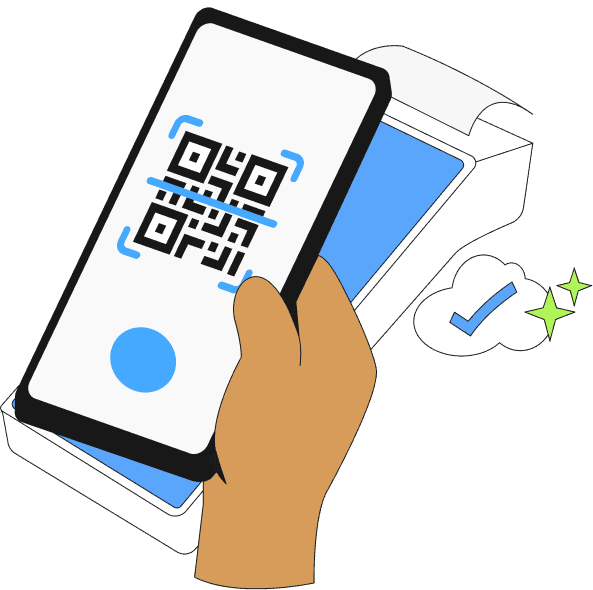
Dynamic QR Ph (on screen)
The QR code appears on a terminal or screen and changes every time you pay. After scanning the dynamic QR Ph code, it already shows how much you need to pay, so there’s no need to enter the amount manually.
Both are safe to use with Skyro, boss. But if you want each payment to be recorded separately, dynamic (on-screen) QR Ph codes are the better choice.
How can I check if a QR Ph code is BSP-approved?
You can check that a QR Ph code is legit and officially approved by BSP through the following ways, boss:
- Look for the official QR Ph logo when you scan
See a QR Ph logo (the national QR standard mark) on the QR code? That’s your first hint that it’s part of the BSP-approved. QR Ph is the official national QR code standard adopted in the Philippines and guided by BSP policy. - Check if it works across major bank and e-wallet apps
Official QR PH codes will let you pay with your bank app or e-wallet app (GCash, Maya, BPI, etc.). If a QR won’t scan with any trusted bank or e-wallet app, there might be something wrong with the code. - Double-check the preview of the merchant details in the Skyro app after scanning
Before you confirm the payment, your Skyro app will show the merchant name/QR info. Make sure it matches what you expect. If the app can’t recognize it, or the details look off, don’t pay yet, boss!