Blog•September 2, 2026
Tuition Is Just the Start: 5 School Expenses Parents Should Budget For
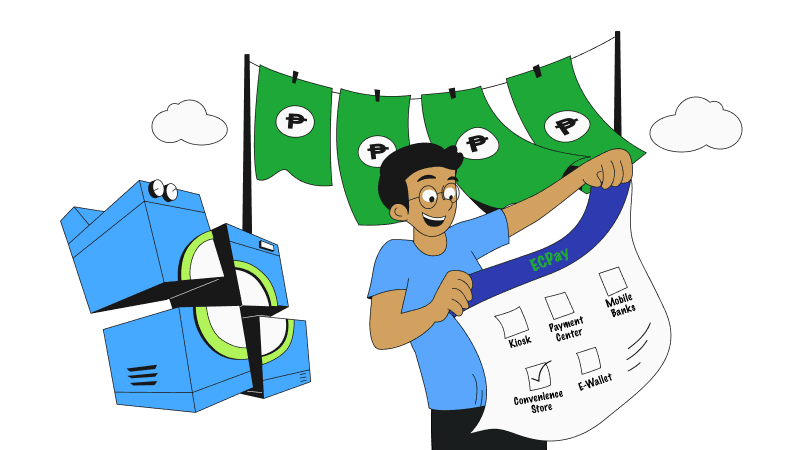
Getting a loan today is easier than ever. With digital applications and faster approvals, you can access financing without the usual hassle. But when it comes to repayments, convenience matters just as much.
Paying your loan is now more accessible through ECPay! Whether you're at home, at work, on the go, or simply passing by a nearby convenience store, there are multiple ways to make your payment quickly and securely.
In this guide, we'll show you where you can pay your Skyro loan, the available ECPay channels, and the process to complete your payment with ease.
ECPay is one of the leading electronic payment and collection service providers in the Philippines, giving customers more ways to repay their loans.
Through ECPay's extensive network, customers can pay using just their registered mobile number across 462,000+ over-the-counter locations, 90+ digital payment channels, and 16,000+ self-service kiosks nationwide.
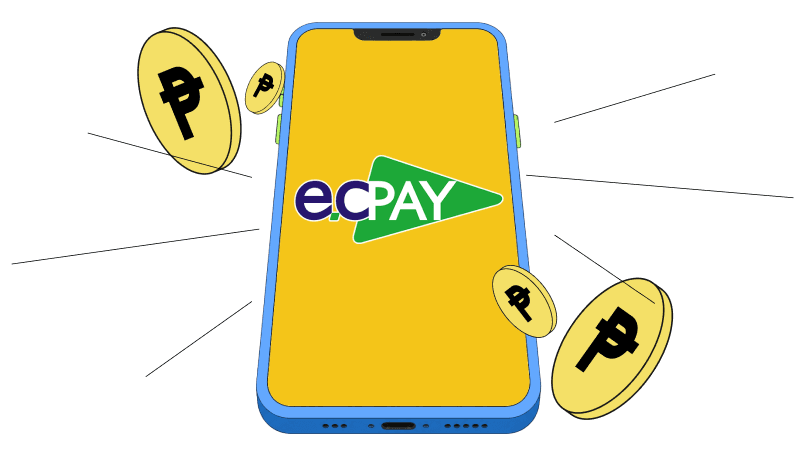
Skyro customers can repay their loans through a wide range of ECPay payment channels. Whether you prefer digital payments or over-the-counter transactions, there are options available to suit your needs.
Pay your Skyro loan anytime using popular e-wallets and digital payment platforms, including:
These options allow you to make payments directly from your mobile device, wherever you are.
Customers can also repay their Skyro loans through participating online banking platforms. Simply access your bank's mobile app or online banking portal and follow the payment instructions.
This option offers a secure way to manage your loan payments without visiting a physical payment center.
For customers who prefer paying in person, Skyro loan payments are accepted at various ECPay-connected outlets, including:
These locations provide accessible payment options for customers who may not have access to digital payment channels.
Customers can also make payments through ECPay kiosks, which you can find in shopping malls, convenience stores, supermarkets, and community retail centers. Some locations include SM malls, Trinoma, Ali Mall, Puregold branches, Lawson stores, Alfamart outlets, and other participating retail establishments.
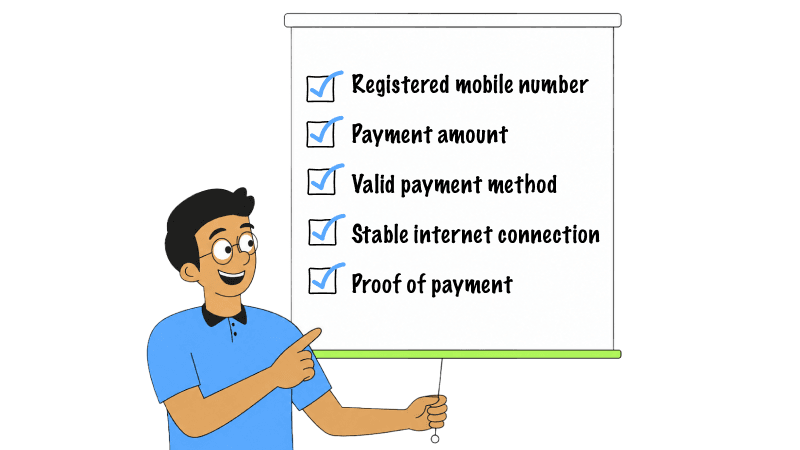
Before making a payment through any ECPay channel, make sure you have the following ready:
Before confirming your transaction, always double-check the details you entered to avoid payment posting delays.
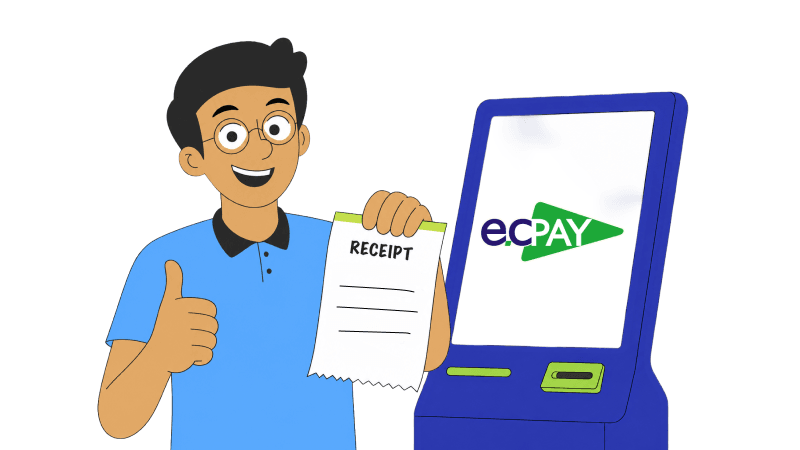
Through ECPay, paying your Skyro loan is quick and convenient. Whether you're using a digital payment app or visiting a payment outlet, the process follows the same steps:
Once your payment is successfully processed, it will be reflected in your Skyro account based on the payment channel's standard posting time.
Paying your loan should be simple. Whether you have a Skyro Product Loan or a Cash Loan, ECPay gives you access to multiple payment options through e-wallets, online banking apps, payment centers, convenience stores, and kiosks nationwide.
Choose the channel that works best for you and enjoy an easier, smoother loan repayment experience.
Did this help?
Tuition Is Just the Start: 5 School Expenses Parents Should Budget For

When It Rains, Expenses Pour: How to Prepare for Rainy Season Expenses
What Is Cashback? A Simple Guide to How It Works